Build an App
This guide walks you through building a TrustGraph UI plugin from scratch — from setting up the development environment to a working application backed by a knowledge graph.
What you’re going to build
An Office Onboarding & “Who Knows What?” Bot — a plugin that indexes a company’s internal tools, team roles, project ownership, and communication channels. The quickstart query: “Who owns the payment gateway service, and who can approve my access?”
This scenario works because everyone understands office hierarchy and tool access. It showcases a simple 3-hop relationship (Employee → Role → Service → Approver) using an everyday workplace scenario.
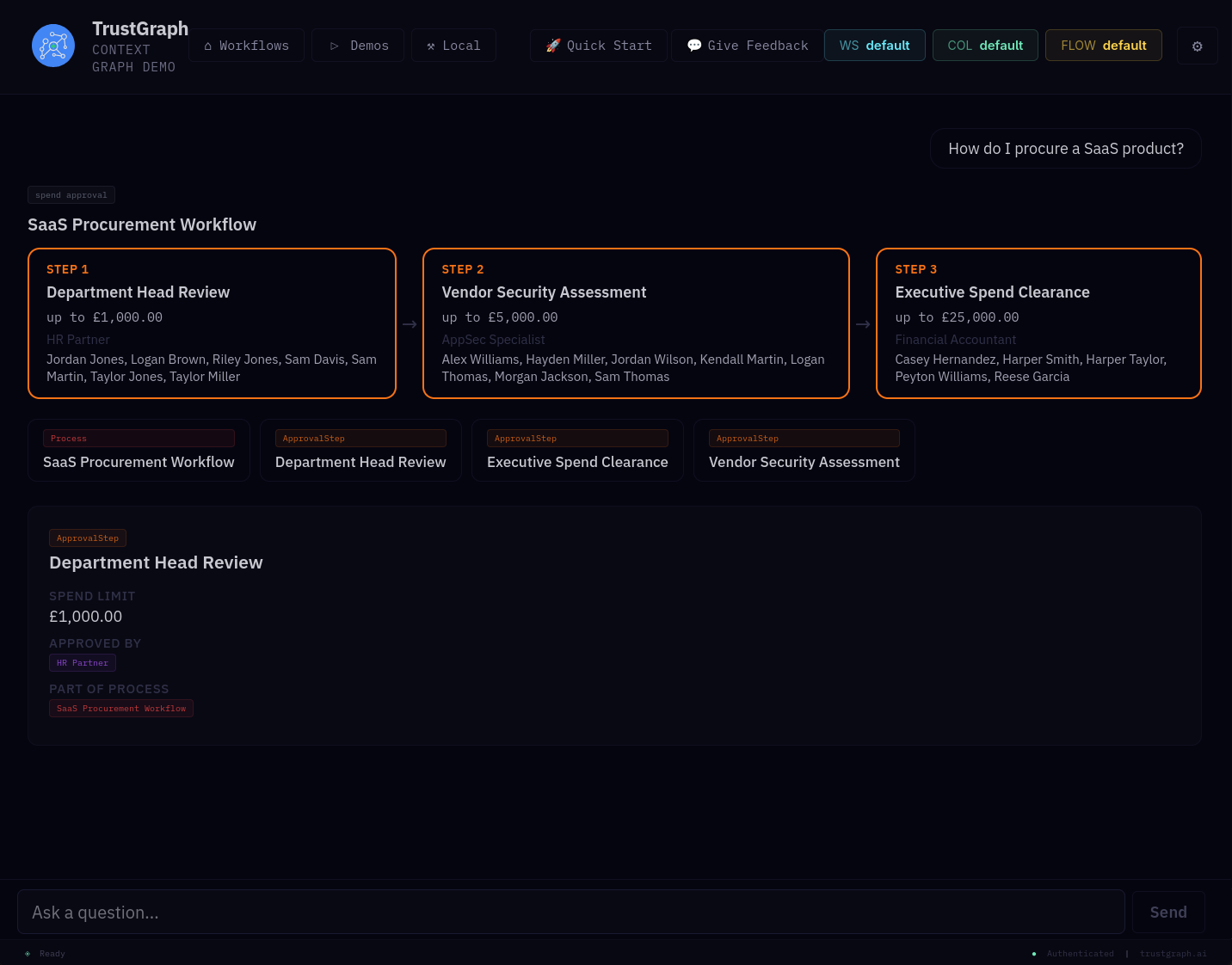
The approach
This is a data-first process. Before writing any UI code, you’ll:
- Create a simple ontology using a code assistant (or use our ready-made example)
- Generate and load data into the knowledge graph
- Validate the data with SPARQL queries
- Then build the UI on top of a working data layer
What you’ll need
- A running TrustGraph instance (see the Quickstart if you don’t have one)
- Node.js and npm installed
- Git for cloning repositories
- A code assistant (ChatGPT, Claude, Copilot) — recommended but not required. We’ll provide ready-made alternatives at each step
- Basic familiarity with React and TypeScript
Next
Set up the dev environment — clone the repos and get a local UI running.